Why Locksmiths Must Lead Smart Home Integration
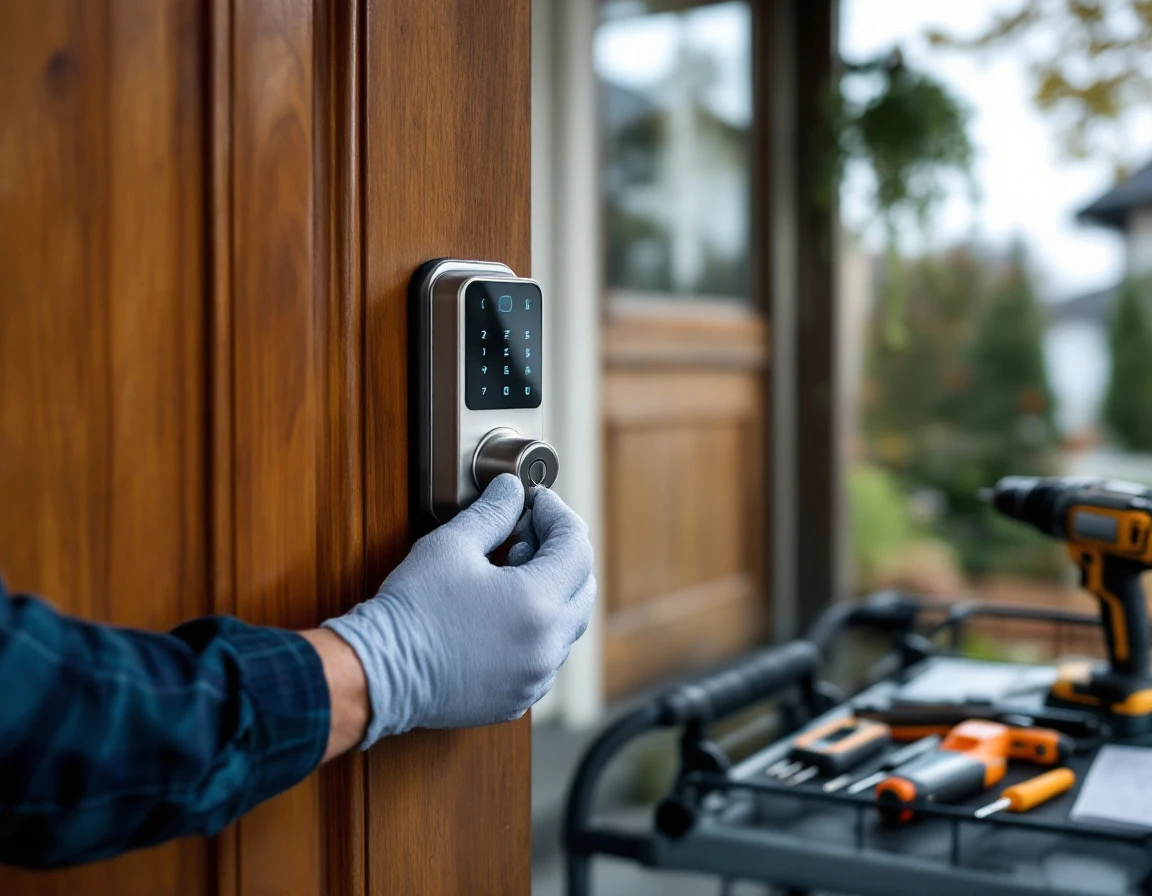
National security companies treat smart locks as checkbox features in bundled packages. ADT and Vivint offer installation alongside alarm systems, but their technicians rarely specialize in the mechanical-digital integration that defines modern access control. When a homeowner’s Wi-Fi network conflicts with their smart deadbolt, or when firmware updates cause connectivity failures, these national providers escalate to call centers rather than solving problems on-site. Local locksmiths who excel at smart lock installation and maintenance occupy a different competitive position entirely.
Local locksmiths occupy a different competitive position. Homeowners already trust them with emergency lockouts and rekeying services. When that trust combines with demonstrated expertise in Bluetooth pairing protocols, Z-Wave mesh networks, and app-based credential management, locksmiths become the obvious choice for smart lock installations. The specialist who understands both mechanical pin tumbler systems and encrypted digital credentials solves problems that generic installers cannot.
This technical credibility opens recurring revenue channels that traditional locksmith services never generated. Smart lock systems require firmware updates, battery replacements, and periodic security audits. Maintenance contracts for quarterly check-ups and priority troubleshooting create predictable income streams while deepening customer relationships. Homeowners who invest in professional smart lock installation will commit to ongoing service agreements so their system stays secure and functionalnal.
National franchises compete on scale and brand recognition. Local locksmiths compete on specialized knowledge and relationship depth. Smart home integration expertise transforms locksmiths from emergency service providers into ongoing security advisors—a positioning that commands premium pricing and builds competitive moats against companies offering one-size-fits-all solutions.
Smart Lock Installation Protocols
Professional smart lock installation and maintenance begins before the locksmith opens the toolbox. The pre-installation assessment separates experts from installers who treat every door like it accepts universal solutions. Start by measuring door thickness—most smart locks require 1-3/8″ to 1-3/4″ standard doors, but older homes often have custom thicknesses that demand spacer kits or alternative models. Check the existing deadbolt backset (the distance from door edge to lock center), which is typically 2-3/8″ or 2-3/4″. Verify the door material—solid wood, metal, and fiberglass each respond differently to drilling and mounting pressure. Assess power source options: some homeowners prefer battery-powered models for simplicity, while others want hardwired connections integrated with their electrical system. Document existing hardware compatibility, photographing the current setup and testing whether the strike plate alignment will work with the new lock body.
Brand-Specific Installation Sequences
Installation procedures vary across manufacturers. Yale locks often require removing interior and exterior escutcheons separately, then feeding the cable through before mounting the interior assembly—reversing this order creates cable tension issues. Level Lock demands precise bolt alignment during the invisible retrofit installation, where the entire mechanism hides inside the existing deadbolt. August smart locks mount over existing deadbolts, making tailpiece engagement the critical step that determines whether the motor can turn the lock smoothly. Schlage Encode models include integrated alarms, requiring careful testing of tamper sensors and door position detectors during installation. Each brand’s calibration process differs: some auto-calibrate through the app, others require manual rotation counts, and premium models use motor resistance feedback to learn door operation patterns.
Post-Installation Verification and Documentation
Thorough testing prevents warranty claims and callback visits. Lock and open the door fifteen times manually, then fifteen times through the app, checking for hesitation, grinding sounds, or incomplete throws. Test backup key operation—many smart locks fail because installers skip verifying mechanical override functionality. Confirm battery life indicators display correctly and backup power ports accept standard 9V batteries. Walk the homeowner through access code programming, guest access scheduling, and activity log review while documenting their preferences. Photograph the final installation, cable routing, and mounting hardware positioning. Provide written documentation that includes WiFi network details, master codes, and the exact model number with firmware version. This documentation protects both parties when troubleshooting future issues and positions you as the expert who thinks beyond basic installation.
Pre-Installation Door Assessment
Professional residential smart lock installation begins with a methodical door assessment that prevents compatibility failures and callbacks. Start by measuring door thickness with calipers—smart locks accommodate doors between 1-3/8″ and 1-3/4″, but some models require adapters for thicker commercial doors. Document the existing lock type (deadbolt versus knob lock), backset measurement (the distance from door edge to lock center), and door material, as wood, metal, and fiberglass doors each require different drilling techniques and fastener types.
Power planning determines whether the installation will need battery compartments accessible from the interior or hardwired connections. Walk the perimeter checking Wi-Fi signal strength at the door location using your phone—anything below three bars indicates the homeowner will need a mesh network extender before the smart lock can reliably connect. Document these findings with photos and measurements, then present compatibility requirements to the homeowner before ordering hardware. This assessment process demonstrates the technical precision that separates professional locksmiths from DIY installers who discover incompatibilities after opening the package.
Brand-Specific Installation Steps
Yale’s keyless touchscreen deadbolts require removing the existing deadbolt and threading the tailpiece through a precisely aligned mortise cavity before mounting the interior assembly with its battery pack. Level Lock’s invisible retrofit design slides into the existing deadbolt mechanism without exterior hardware changes, demanding accurate measurement of the deadbolt’s tailpiece length and throw distance during calibration. August’s retrofit clamp attaches to the interior thumb turn, requiring alignment confirmation through the app’s rotation test before finalizing the mounting screws.
Schlage Encode combines Wi-Fi connectivity with keypad entry, eliminating the Bluetooth bridge many competitors require but adding router credential entry during setup. Each brand’s firmware update protocol differs—Yale requires opening the app before battery insertion, while Schlage checks for updates automatically after pairing completes.
Post-installation verification follows the same sequence regardless of brand: test the manual key override with batteries removed, confirm the lock engages fully in both locked and unlocked positions, verify battery backup warnings appear in the app, and execute remote lock commands from outside Wi-Fi range to confirm cloud connectivity functions properly.
Smart Lock Compatibility Troubleshooting
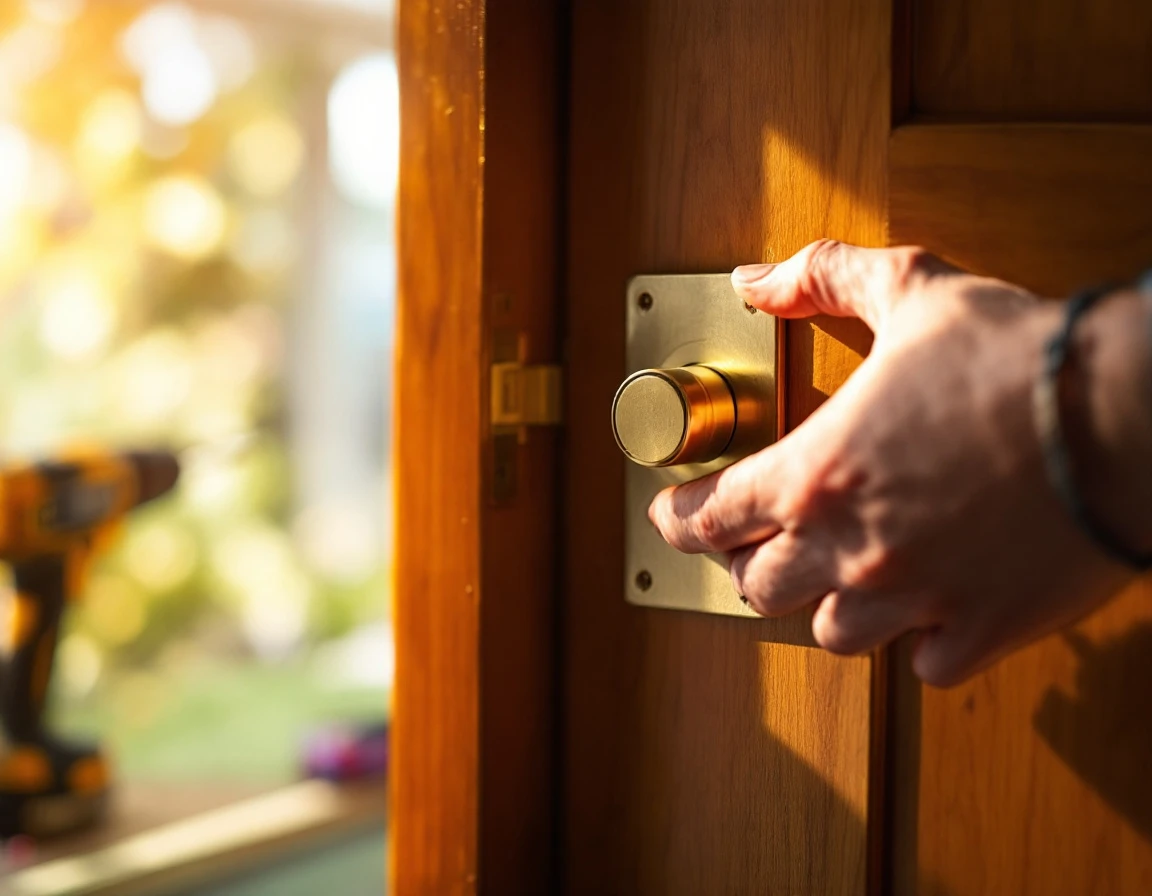
Locksmiths who master systematic diagnostics transform frustrated homeowners into long-term clients. When a smart lock malfunctions, the root cause falls into one of four categories: connectivity failures, mechanical binding, integration conflicts with existing automation systems, or user configuration errors. Building a troubleshooting framework that addresses each layer positions you as the specialist who solves problems that smart lock system compatibility issues present—problems national installers cannot diagnose remotely.
Connectivity Diagnostics: A Persistent Challenge
Bluetooth connectivity issues and Wi-Fi signal problems rank among the most common support calls, yet most resolve without hardware replacement. Start with the phone test: have the homeowner stand at the door and verify their phone maintains a solid Wi-Fi connection. Smart locks require persistent network access, and a single wall or metal door frame can block the signal from a router positioned two rooms away. For Bluetooth-only models like base August locks, interference from baby monitors or wireless speakers operating on the 2.4GHz band creates intermittent failures that appear random to homeowners.
Create a simple diagnostic checklist homeowners can complete before calling: reboot the lock by removing and reinserting batteries, verify the Wi-Fi password hasn’t changed, and test whether the companion app connects when standing next to the router. These three steps eliminate unnecessary service calls and demonstrate your commitment to cost-effective solutions rather than billable visits.
Mechanical vs. Software Failures
Mechanical friction and deadbolt alignment failures require physical adjustment, not software fixes. When a smart lock reports it cannot extend or retract, the motor isn’t faulty—the strike plate alignment has shifted or the door has settled. Remove the lock and test the motor operation independently. If it cycles smoothly off the door but binds when installed, you’re addressing a carpentry problem, not an electronics issue.
Battery depletion patterns reveal installation or usage issues. Locks that drain batteries within weeks instead of months indicate misalignment forcing the motor to work against resistance, or excessive failed connection attempts because the hub sits too far away. Integration failures with existing home automation systems need systematic diagnostics: verify the hub firmware version matches the lock’s requirements, confirm the network uses compatible protocols, and test whether manual commands work when automation routines fail.
Seasonal Maintenance and System Health
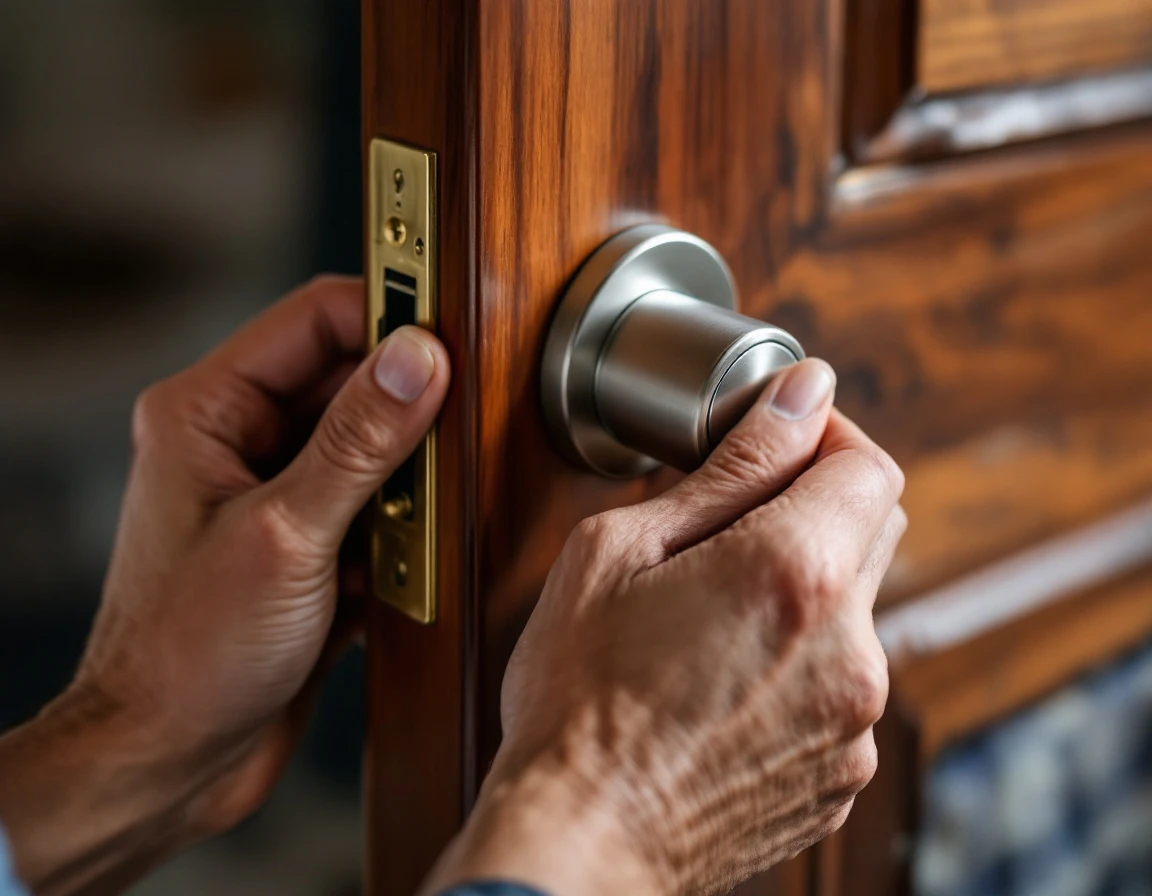
Smart locks face their harshest operating conditions between May and August, when heat, humidity, and pollen create performance challenges that predictable maintenance prevents. Coastal locksmiths see spring moisture and salt spray accelerate corrosion of electronic components, while inland markets deal with temperature extremes that drain batteries faster than winter conditions. These environmental stressors create maintenance opportunities that transform one-time installation jobs into recurring revenue relationships built on smart lock maintenance best practices.
A structured seasonal maintenance program addresses four core areas: battery health verification, firmware update deployment, mechanical component inspection, and smart home integration testing. Battery checks identify voltage drops before they cause lockouts—particularly important for August heat waves that stress lithium cells. Firmware updates patch security vulnerabilities and add features, positioning locksmiths as ongoing technical advisors rather than emergency responders. Mechanical inspections catch spring pollen buildup in mortise mechanisms and summer expansion issues in retrofit installations before they cause binding.
Preventive maintenance contracts provide revenue stability that emergency lockout calls cannot match. A locksmith servicing fifty smart lock installations twice yearly creates one hundred predictable service appointments, reducing reliance on unpredictable emergency call volume. These scheduled visits create natural opportunities for system expansion conversations—adding smart locks to secondary doors, upgrading older units to newer models with better heat tolerance, or expanding integration with video doorbells and garage controllers.
The maintenance approach also reduces emergency callbacks that damage reputation and profit margins. A spring inspection that identifies a weakening battery or loose strike plate prevents a July failure during a family vacation. This preventive positioning builds the trust advantage local locksmiths hold over national security companies, demonstrating investment in long-term system reliability rather than transaction-focused service delivery.
Building Customer Trust Through Expertise
Transparent communication about what smart locks can and cannot do prevents the buyer’s remorse that destroys referral potential. When locksmiths explain that Bluetooth models require proximity for remote access, that battery failures disable electronic features but preserve mechanical operation, and that Wi-Fi connectivity depends on router placement, and homeowners can choose wisely. This honesty positions locksmiths as advisors rather than salespeople pushing the most expensive system.
Education turns one-time customers into maintenance clients. Walk homeowners through manual override procedures during installation. Show them how to replace batteries before the low-power warning escalates to complete failure. Explain security settings like auto-lock delays and temporary access codes so they use features instead of calling for support. Customers who understand their system request firmware updates, schedule lubrication appointments, and recognize when door alignment needs professional attention.
Documented installation records create accountability that national companies rarely provide. A folder containing door specifications, torque settings, firmware versions, and Wi-Fi configuration details demonstrates professionalism. Include maintenance schedules showing recommended battery replacement dates and annual mechanical inspections. These records become referral tools when homeowners recommend a locksmith who maintains accessible documentation instead of treating each service call as a standalone transaction.
This advisory relationship generates recurring revenue while blocking competitors. Homeowners resist switching to installation-only services when their locksmith already knows their door history, maintains their system records, and answers questions without upselling. The business case is clear: technical mastery combined with educational transparency converts installation customers into long-term maintenance clients who refer friends facing the same smart home integration challenges.