Why Local Expertise Matters for Smart Home Integration
Smart home installations demand more than product knowledge—they require understanding your existing security infrastructure, home layout, and network capabilities for compatibility and reliability. Local security installers specializing in smart home integration assess your current setup before recommending any equipment, while national brands typically push standardized packages regardless of what you already own.
National brands offer one-size-fits-all solutions
National security companies typically sell standardized packages built around their proprietary equipment and monitoring services. Their sales process follows a script that doesn’t account for your existing doorbell wiring, your decade-old alarm panel, or the specific router configuration running your home network. When the installation crew arrives, they install what the package includes, whether or not it works with what you already own.
Local installers take a different approach. Before recommending any equipment, they assess what security infrastructure you currently have in place. They check whether your existing motion sensors can integrate with newer smart hubs. They evaluate whether your network can handle additional camera bandwidth. They identify which components can stay and which need replacement, creating an upgrade path that protects your previous investment while adding new capabilities.
Personalized consultation prevents costly mistakes
A one-size-fits-all security system can create expensive compatibility problems when it clashes with your existing equipment or network infrastructure. Local security providers prevent these costly mistakes by visiting your home before recommending any equipment, assessing your current alarm panel, Wi-Fi coverage, electrical capacity, and existing smart devices to build a solution that works with what you already have.
This hands-on approach identifies potential issues before installation begins. Your technician measures signal strength in camera locations, tests whether your router can handle additional connected devices, and verifies that your electrical panel supports new equipment loads. National chains typically ship standardized packages based on house size alone, discovering integration problems only after equipment arrives.
On-site consultation also customizes recommendations to your specific home layout and security concerns. The installer maps blind spots, suggests the best sensor placement for your floor plan, and configures automation rules that match how your family actually uses your home rather than generic programming templates.
Evaluating Smart Home Security Compatibility Before Integration
Before scheduling any installation appointment, homeowners can conduct their own preliminary compatibility assessment using the same framework professional installers follow. This upfront evaluation saves time, prevents mismatched equipment purchases, and helps identify which installers genuinely understand integration challenges versus those pushing cookie-cutter solutions.
Start by gathering your current security system documentation. Locate the model number, firmware version, and manufacturer specifications for your alarm panel or hub. Most manufacturers maintain online compatibility databases listing which smart home protocols their equipment supports—Z-Wave, Zigbee, Wi-Fi, or proprietary systems. Cross-reference your system against these lists before considering any smart device additions. Local security installers smart home integration experts routinely perform this documentation review during consultations, while national chains often skip this step and propose replacing perfectly functional equipment.
Network infrastructure assessment comes next. Walk through your home with a smartphone running a Wi-Fi analyzer app to map signal strength in each room where you plan to install smart devices. Note dead zones, weak coverage areas, and the distance from your router to planned device locations. Check your router’s specifications for supported device capacity—older routers struggle when managing more than 20-25 connected devices simultaneously. Document your current internet bandwidth and whether your plan supports the additional data streaming from security cameras and sensors.
Protocol conflicts create the most common integration failures. If your security system uses Z-Wave technology but you’ve already invested in Zigbee smart bulbs and locks, you’ll need a hub that bridges both protocols or face replacing existing devices. List every smart home device currently installed—thermostats, door locks, lighting controls, voice assistants—and identify their communication protocols. Confirm whether your security system hub can communicate with these devices directly or requires additional bridge hardware.
This methodical evaluation process reveals exactly what your home needs for successful integration. When consulting installers, ask how they plan to address the specific compatibility gaps you’ve identified. Local security providers recognize this homework and adjust recommendations accordingly. National companies typically respond with standardized packages regardless of your documented infrastructure. Recommending wholesale replacements that ignore compatible equipment already in place.
Installation Best Practices for Integration
The technical difference between professional and DIY smart home security installations becomes visible in the first critical step: network architecture. Professional installers create a separate network segment dedicated to IoT devices, isolating smart locks, cameras, and sensors from computers, phones, and tablets. This network isolation prevents a compromised doorbell camera from giving attackers access to family devices storing financial data and personal files. National installers often skip this step to save time, connecting all devices to the existing home network and creating security vulnerabilities that homeowners don’t discover until a breach occurs.
Hub placement determines system responsiveness and reliability. Local installers position security hubs in central locations with hardwired ethernet connections and uninterruptible power supplies, minimizing wireless latency and preventing system failures during power fluctuations. They measure signal strength to cameras and sensors before finalizing hub location, adjusting placement based on home construction materials and layout. National chains follow standardized installation guides that specify mounting hubs near routers regardless of home topology, producing dead zones and connection failures in larger properties.
Device pairing sequence prevents configuration conflicts that plague rushed installations. Professional installers add devices one at a time, updating firmware before pairing the next component. This methodical approach identifies compatibility issues immediately rather than after the entire system is configured. The installer verifies each device communicates properly with the hub before moving to the next zone, building a stable foundation that prevents cascade failures. They complete the installation by documenting device IDs, network credentials, firmware versions, and custom settings in a handover packet that future technicians can reference during troubleshooting or upgrades. This documentation proves essential when homeowners add devices years later or need service from a different technician.
Questions to Ask Local vs National Installers
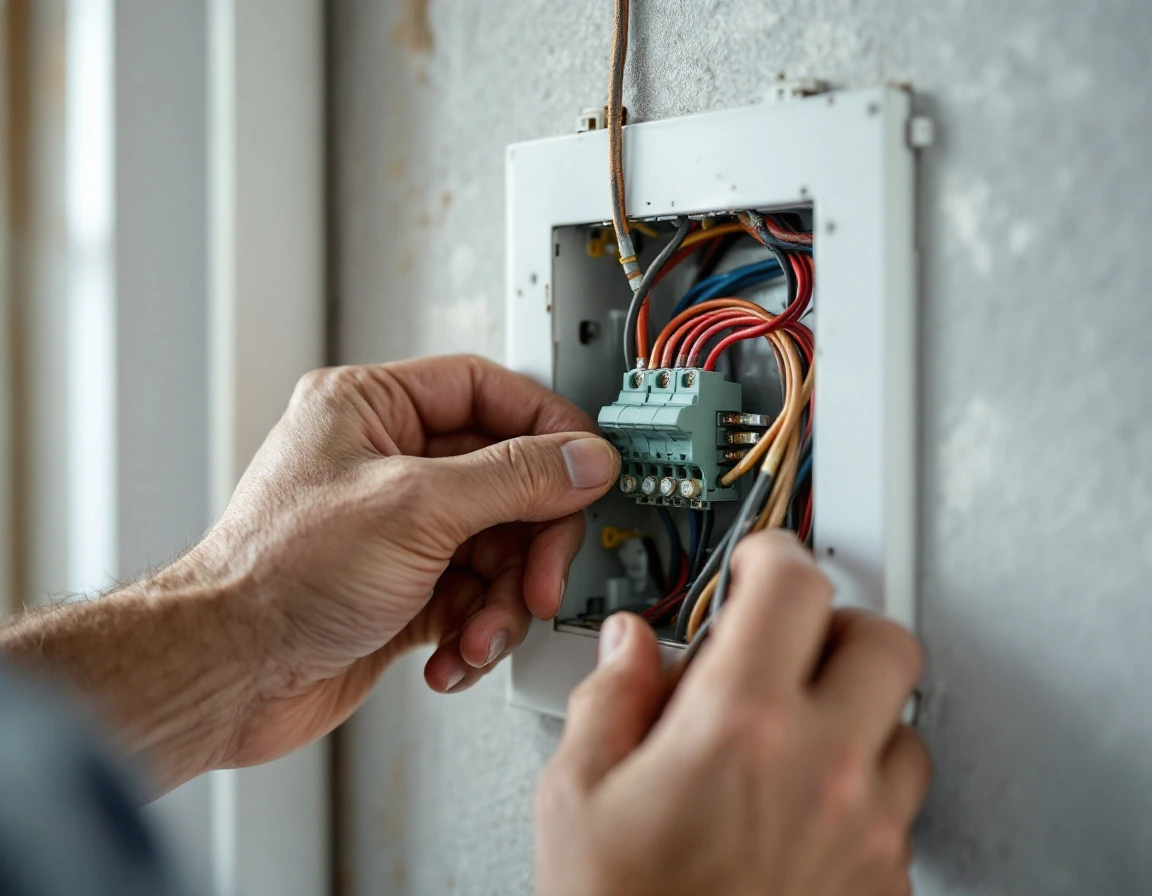
When evaluating security installers, the questions you ask reveal whether a company invests in understanding individual needs or applies standardized solutions. Local installers who conduct thorough compatibility assessments will answer these questions with confidence and specificity, while national brands often redirect to service packages that don’t address your existing infrastructure.
Start by asking about their on-site assessment process. A qualified local installer will describe how they evaluate your current security system, Wi-Fi network architecture, electrical capacity, and existing smart devices before recommending any changes. They should explain what specific systems they test, how they measure signal strength in different rooms, and what documentation they provide after the assessment. National companies typically skip this step, offering equipment bundles based on square footage rather than actual compatibility needs.
Next, inquire how they handle existing smart home devices. Ask whether integration with your current thermostats, locks, or cameras is included in the installation price or charged separately. Local installers who understand protocol differences between Zigbee, Z-Wave, and Wi-Fi devices will explain exactly how they’ll connect your existing equipment. This question exposes whether the installer plans to work with what you own or push for complete system replacement.
Request detailed documentation about warranty coverage and technical support. Ask for specific response times when systems malfunction, whether they provide ongoing monitoring, and who handles software updates for connected devices. Local installers typically offer direct phone access to technicians who know your specific setup, while national chains route support through call centers reading from scripts.
Finally, clarify their customization scope. Can they adapt their approach to how to integrate smart home with security system based on your home’s unique network configuration? Will they modify device placement based on your family’s daily routines? These questions distinguish installers who solve problems from those who sell packages.
Building Trust Through Transparent Communication
Local installers who explain their integration decisions during and after installation create relationships that generate referrals and repeat business. When a technician walks homeowners through why they positioned the hub in a specific location, which wireless protocol best suits their setup, or how network segmentation protects their devices. Customers understand the value they’re receiving. This documented knowledge transforms a transactional service into an educational partnership.
Written configuration guides and system documentation allow homeowners to adjust settings, troubleshoot connection drops, and understand how their security ecosystem works together. National chains hand over generic manuals; local providers create custom documentation showing exactly which devices connect to which hubs, what each automation rule does, and where to find diagnostic information when sensors go offline.
Regular follow-up communication after installation demonstrates commitment beyond the initial sale. Local security installers who check in about firmware updates, answer questions about new device additions, or explain seasonal adjustments to motion detection sensitivity build the long-term relationships that insulation companies and HVAC contractors already know drive premium pricing. Homeowners who understand why their installer chose specific approaches become advocates who recommend that expertise to neighbors facing similar integration challenges.
This transparent communication differentiates local providers from national brands that install standardized packages and move to the next appointment. Customers willingly pay premium rates to retain advisors who prioritize their specific needs over product quotas.